
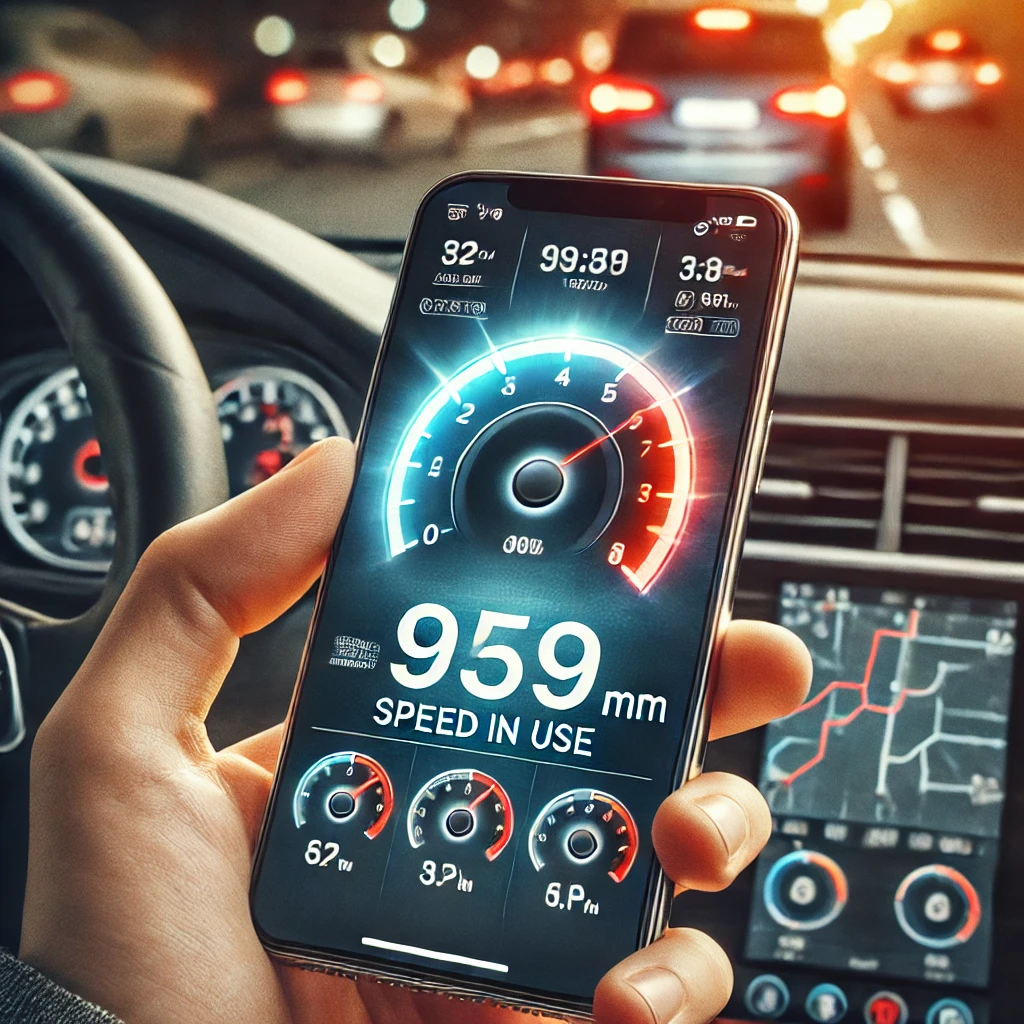
In a world where accuracy and convenience are essential, having a speedometer app on your phone can be extremely useful. Whether monitoring the speed of your car, bicycle, or even during a race, these apps provide real-time information that can improve your safety and performance. With the help of GPS technology, these apps have become quite popular. It's important to know from the start where their limitations lie: the speed is calculated based on the variation in your position captured by satellite, so the number appears with a slight delay and worsens when the signal weakens—in tunnels, garages, mountain roads, between tall buildings, or with the phone stored in the glove compartment. In normal use, the reading is usually very close to the actual speed, sometimes even more accurate than the car's dashboard, which typically shows a little more; even so, the vehicle's speedometer is the official instrument, and the app cannot serve as evidence for fines or to contest radar readings.
Furthermore, these apps not only measure speed but also offer other functionalities that can be quite useful, such as speed history, speed limit alerts, and much more. In this article, we'll explore the best speedometer apps for mobile phones available on the market. They are all downloaded in the same way: open the Play Store on Android or the App Store on iPhone, search for the app name, tap install, and when opening it for the first time, authorize access to your location—without this permission, the speedometer will not work. Let's see how each one works, its main features, and why you should consider them.
Best speedometer apps for cell phones
Velocímetro GPS – Medidor de Velocidade
The GPS Speedometer is one of the most popular apps when it comes to measuring speed in real time. This app uses GPS technology to display your current speed in real time, with a delay of about one second between movement and the number on the screen. Furthermore, it has a user-friendly interface that makes viewing the information easy.
Furthermore, the GPS Speedometer offers other useful features, such as recording speed history and sound alerts when you exceed set speed limits. This app is ideal for drivers who want to maintain strict control over their speed, ensuring safer and more conscious driving.
Medidor de Velocidade – App de Velocidade em Tempo Real
The Speed Meter is another highly recommended app for those who want to know their speed in real time. This app stands out for its stable readings and ease of use. With it, you can monitor your speed while driving, cycling, or running — in fact, GPS usually does a very good job of tracking speeds in cycling and running, since speed varies less suddenly.
In addition, the Speed Meter allows you to customize speed limit alerts and view your speed history. This app is a good choice for those who want an easy-to-use digital speedometer for their smartphone for everyday use.
Velocímetro Digital para Android – Monitoramento de Velocidade no Celular
The Digital Speedometer for Android is a robust tool for anyone who needs accurate speed measurements. Using your phone's GPS, it provides real-time readings. The quality of the result depends heavily on the device: older models or those with simpler GPS chips take longer to lock onto satellites and fluctuate more at the beginning of the journey. The user interface is well-designed, making it easy to view the information.
Another interesting feature of this app is the possibility of seeing the complete history of your speeds and distances travelled. With this speedometer app, you'll have everything you need for detailed monitoring of your speed.
App de Velocidade em Tempo Real – Rastreador de Velocidade GPS
The Real-Time Speed App is ideal for those who want continuous speed monitoring. This app is quite versatile and can be used in various activities, such as driving, cycling, or running. It uses your phone's GPS, so it works best with the device in a holder, with the screen visible, and in an open area.
Furthermore, the Real-Time Speed App offers additional features such as calculating distance traveled and total travel time. This app is a solid choice for those who want to track speed, distance, and travel time all in one place.
Melhor Velocímetro para Android – Aplicativo para Medir Velocidade
The Best Speedometer for Android is a popular choice among users looking for a complete and easy-to-use application. It reads the speed from the phone's GPS and displays everything in an intuitive interface, easy to use even for the least experienced users.
In addition to speed measurements, this app also allows you to set speed limit alerts and view detailed statistics about your trips. If you're looking for a complete speedometer for your mobile phone, this is a good option.
Additional Features of Speedometer Apps
Mobile speedometer apps are not just tools for measuring speed. They also offer a range of additional features that can be extremely useful in your daily life. For example, many of these apps allow you to record speed history, which can be useful for monitoring your performance over time.
Another common feature is the ability to configure speed limit alerts. This is particularly useful for drivers who want to avoid speeding tickets. Additionally, some apps also offer navigation features, helping you get to your destination more safely and efficiently.
Conclusion
In short, speedometer apps for mobile phones are indispensable tools for anyone who wants to monitor their speed in real time. With the help of GPS technology, they offer a reliable reading most of the time and a range of additional features. Just remember the limitations: without a satellite signal, the number freezes or disappears, and the vehicle's own speedometer remains the official reference. If you're looking for a speedometer app, the options mentioned here are good starting points.
Furthermore, remember to consider the additional features offered by each app, such as speed history and speed limit alerts, to choose the option that best suits your needs. And, above all, set up the app before you leave and keep your phone securely in a holder: looking at the screen while driving is the opposite of driving safely.
How to choose between the options
- Last updated. An application that has been dormant for more than a year is likely to break in the next system version.
- Recent reviews. Read the newest release notes, not the old ones: that's where problems that arose in the latest versions appear.
- File origin. Always install from the official store. APK files from random websites are the main vector for malware on Android.
- Permissions requested during installation. Compare this to what the app actually does. Accessibility or device administrator requests require extra attention.
What these apps don't do
This is the part that almost no list mentions, and it's precisely what separates expectation from result.
- There is no legitimate free version of a paid app. What circulates as a 'mod' or 'unlocked premium' usually comes with malware.
- Disabling Play Protect to install something is precisely the step that opens the device up to banking trojans.
- An app removed from the official store was usually taken down for violating policy—reinstalling it from elsewhere will recreate the problem.
- Downloading does not guarantee compatibility: features that rely on missing hardware will not work, even if the app is installed.
Common questions
Is it safe to install APKs from outside the app store?
It's not recommended. The store verifies applications; a standalone file doesn't go through this check.
The app isn't showing up in the store search results. What now?
It may be unavailability in your region or incompatibility with the device. It's worth looking for an official alternative.
How do I free up space for installation?
Uninstall what you don't use, clear the cache of larger apps, and move photos to the cloud.
Does installing too many apps slow down your phone?
What really weighs the load is what's running in the background. Check the usage per app in the settings.
Can it be installed on a memory card?
Some devices allow you to move parts of the app, but performance usually drops.



