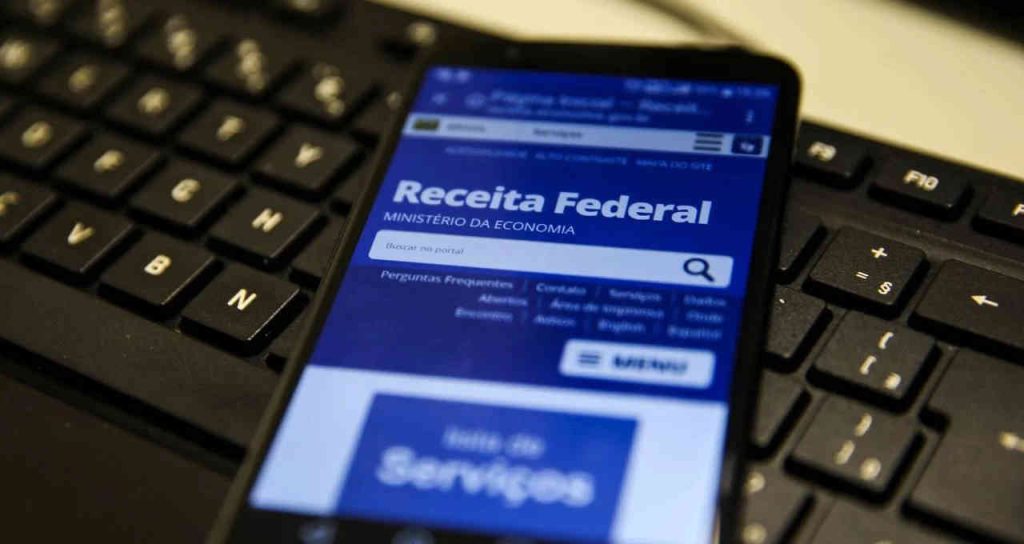
Every year, when tax season arrives, many people look for a "“income tax app”"In the cell phone store. It's worth starting by clarifying a point that avoids confusion and, above all, prevents falling victim to scams:" The Brazilian Federal Revenue Service does not have an app called "Income Tax".“. The official app is simply called IRS, and it is through this that you can fill out and submit the declaration. via mobile phone or tablet.
In this guide, you will see what the official app actually does, how to access it with your gov.br account, and who can file a tax return. via mobile phone and in which situations it is mandatory to use a computer. We also explain what the app is. no That's because a large part of the doubts (and fraud) stems from promises that no tax authority app fulfills.
What is the official app of the Federal Revenue Service?
The Federal Revenue Service maintains an official page listing all the agency's apps for mobile phones and tablets. Today there are only four: IRS, MEI, e-Process It is eSocial Domestic. There is no separate income tax app: that function has been absorbed by the Federal Revenue Service app.
The download should always be done through official app stores. The app's information sheet is available at [link to app store]. Google Play, for Android, and in App Store, for iPhone and iPad. The two links also appear in official page of the Federal Revenue app — It's worth checking there before installing anything, because fake apps with similar names often appear around the time of the tax return.
With the official app installed, you can check your status in various tax authority systems: CPF (Brazilian taxpayer ID), filed tax returns, refunds, ongoing processes, appointments, refund requests, and eSocial Doméstico (Brazilian domestic tax system) information. And, during the filing period, you can fill out and submit your Annual Tax Adjustment Declaration — respecting the limits that we explain later.
How to access: gov.br account
This is the point that generates the most doubt. You don't create a new account within the app.. There is no screen to "enter your CPF and create an app password," nor is there a confirmation email with an activation link. Access is done using your CPF. gov.br account, the same one used in services like Meu INSS and Carteira de Trabalho Digital.
Keep this information in mind as a safety precaution: any website, WhatsApp message, or app that asks you to create an "income tax" password outside of gov.br, or that asks for card details to "release your refund," is a fraud attempt. The Brazilian Federal Revenue Service does not charge a fee to receive refunds and does not send payment links via message.
Another important detail: the pre-filled declaration, The system, which already includes several complete fields with information submitted by employers, banks, doctors, and real estate agencies, requires a gov.br account. silver or gold level. With a bronze-level account, you can still file your taxes, but you'll have to fill everything out manually.
The three official ways to declare
The tax office provides three options, described on the page. “"Where to begin?"”. Choosing the right option from the start saves you from having to redo work.
1. Pelo celular ou tablet
This is the Federal Revenue Service app. It works well for simple declarations: salary, retirement, dependents, medical and education expenses, and fully paid-off properties and vehicles. You can save your information and continue later, review it before submitting, and, if necessary, submit an amended return.
2. Online, pelo navegador
The service My Income Tax It allows you to fill out and submit directly online, without installing anything. It requires a silver or gold level gov.br account and has the same limitations as the mobile version.
3. Pelo programa de computador
O DIRPF program It is installed on the computer and is the only option without content restrictions. It is also the only one that allows you to start the declaration by importing the previous year's declaration. Those with a more complex tax situation will need it.
Who cannot file using the app?
The tax office maintains an official list of limits of online and app-based tax returns. Among the information that no These can be filled out using a mobile phone:
- capital gains on the sale of assets or rights;
- Net gains from variable income transactions (stock market);
- rural activity;
- Income received from abroad and income from capital invested abroad;
- Tax paid abroad;
- values above the ceiling defined for each token (in the millions);
- Profit from selling a used residential property to buy another.
If any of these items apply to you, don't waste any time: go straight to the computer program. And, first of all, check the page. “"Who should file a tax return?"” If you are indeed required to file a tax return this year.
What the app doesn't do
There's a lot of misinformation circulating about "sending receipts via cell phone camera." That's not how it works. The income tax return is not submitted with attachments.. You enter your income and expenses in the corresponding forms, and that's it. The supporting documents—medical receipts, income statements, invoices—remain with you and must be kept for the period in which the tax return can be reviewed by the tax authorities, which is five years.
These documents are only required if your tax return is flagged for review by the tax authorities. In that case, the tax office itself indicates the procedure in the "Submit documents flagged for review" service, explained on their website. Fine Mesh Manual.
The app also doesn't do tax planning, doesn't "discover" hidden deductions, and doesn't guarantee a larger refund. What it does—and does well—is automatically calculate the tax due or to be refunded based on the information you've provided, and compare the simplified deduction with the deduction for deductible expenses to show which results in less tax.
Step-by-step instructions for filing your tax return via mobile phone.
Instale o app oficial
Get the app IRS You can find them on Google Play or the App Store, always using the links from the organization's official page. Check the developer before installing.
Entre com a conta gov.br
Open the app and log in with your CPF (Brazilian tax identification number) and password for your gov.br account. If you don't have an account yet, create one. through the app You can use the pre-filled form on gov.br or the official website. To use it, upgrade your account to silver or gold level — this process is done within gov.br itself, which indicates the available validation methods for your case.
Inicie a declaração
Choose between starting with the pre-filled or blank form. Then, go through the sections: personal information, dependents, income, deductible expenses, assets, and debts. Check each value against the original income statement—even with the pre-filled form, you are responsible for the accuracy of the information.
Revise, escolha o desconto e envie
Before submitting, the app shows any outstanding issues and allows you to compare the simplified discount (a single percentage on taxable income, with a ceiling) with legal deductions. If there is tax to be refunded, provide your bank account or CPF-type PIX key. If there is tax to be paid, the app itself allows you to generate the DARF (tax payment slip). After submitting, keep the receipt.
Frequently Asked Questions (FAQ)
Which app should I use to file my income tax return?
The official app IRS, available on Google Play and the App Store. The tax return is filed via mobile phone; “Meu Imposto de Renda” (My Income Tax) is now the name of the online service, accessed through a browser, and of the official pages on the subject.
How can I check the status of my tax return?
You can check your tax return through the Federal Revenue Service app or via the "My Income Tax" service in your browser, always using your gov.br login. There you will see the processing status of your tax return, any pending issues, and the status of your refund.
What is the deadline for filing?
The deadline usually ends on the last business day of May, but the exact date is set each year by the Federal Revenue Service and has been changed in previous years. Always check the current date on the website. official page of My Income Tax. Those who are required to submit their documents late will be subject to a late payment penalty (MAED), with a minimum amount set by law.
Do I need to send the receipts along with the declaration?
No. The documents are kept by you for five years and are only presented if requested by the tax authorities, usually when the tax return is flagged for review.
I made a mistake in the statement. Is it possible to correct it using my cell phone?
Yes. Simply submit an amended return through the same channel, including the receipt number from the original return. The same content limitations of the app still apply.
Conclusion
Filing your income tax return via mobile phone is feasible and practical for those with a simple tax situation: install the app. IRS, Log in with your gov.br account, use the pre-filled form if possible, and review each value before submitting. For capital gains, variable income, agricultural activity, or income from abroad, the process remains the same: the computer program.
And if you have any doubts about filling out the form, there is free support available: the Accounting and Tax Support Centers (NAF), maintained by the Federal Revenue Service in partnership with educational institutions, provide guidance to taxpayers free of charge. The information is available at [website address - not provided in the text]. official page about filling out the declaration.