
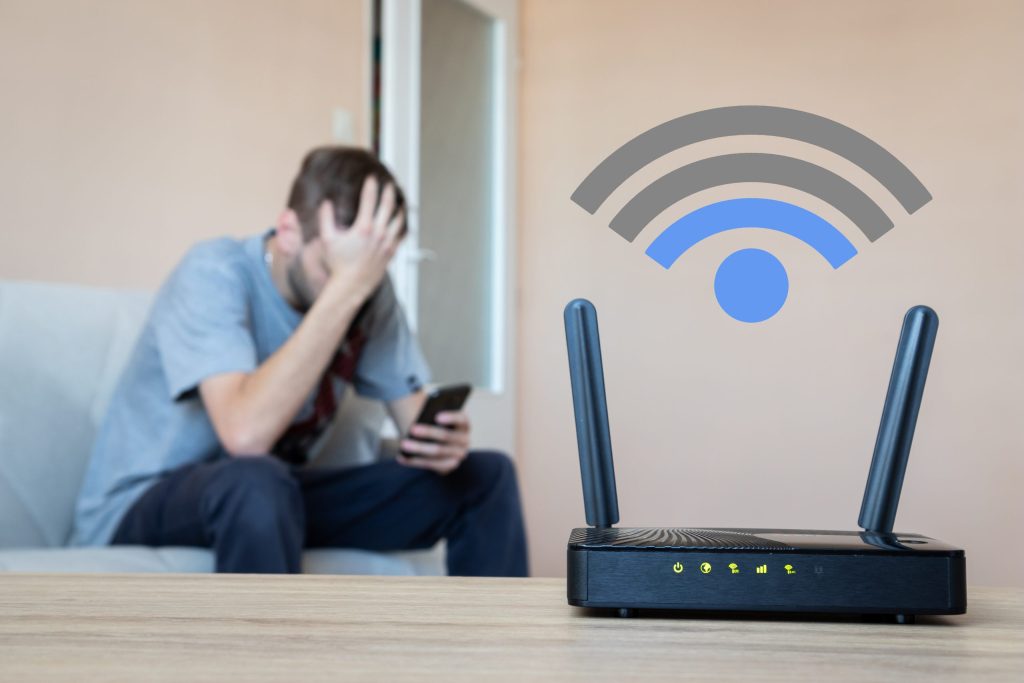
Internet connectivity has become essential in our lives, and having a stable WiFi signal is crucial for ensuring uninterrupted browsing. Before installing anything, however, it's fair to clarify what these applications do: None of them create, amplify, or accelerate your router's signal.. What they do is measure and diagnose — to show which channels are congested, where the signal drops within the house, and which rooms are in the dead zone. Improvement comes after that. you What to do with this information: move the router to a different location, change the channel, raise the antenna, or install a repeater.
Another point to note about how it works: these apps They don't behave the same way on every device.. On Android, they can scan neighboring networks and compare channels. On iPhone, the system blocks this type of scanning, and iOS apps are limited to speed tests and basic diagnostics. The result also depends on your router: older, single-band models offer much less adjustment range than current ones. In this article, we present a selection of free apps which help you understand what's happening with your network.
Best apps for WiFi signal optimization
To achieve a more stable connection, it's essential to know the right measurement tools. There are several apps that help diagnose the network, and here we list the most useful ones.
WiFi Analyzer
WiFi Analyzer is one of the most popular apps for those who want to understand their home WiFi signal. It shows neighboring networks and which channels they are on, allowing you to choose a less congested channel for your router. In buildings and streets with many competing networks, this simple change usually results in a noticeable gain in stability.
In addition, WiFi Analyzer provides graphs of signal strength and helps identify interference. Two important observations: channel switching needs to be done in router panel, No, not in the app, and the tool basically exists for Android — this type of scan is not allowed by the iPhone system.
NetSpot
Another very useful app is NetSpot, known for its advanced features and user-friendly interface. It offers a detailed analysis of your WiFi network and allows you to create a heat map of the coverage: you walk around the house and it records where the signal is strong and where it disappears. It's the most visual way to find the best place for your router.
This is the most suitable option for those who want a more technical analysis of the network, with data on signal strength and interference from other devices. It's worth knowing that... The free version is limited. Full heat maps and floor plan surveys are available in paid plans, while the most complete experience is offered in the desktop version.
WiFi Doctor
WiFi Doctor is a free app that scans your network, measures speed, and identifies potential bottlenecks, such as too many connected devices or a long distance from the router. It also offers connection cleaning and management tools—features that help organize your device, but it's important to clarify that..., They do not increase your contracted internet speed..
The app also includes a network security check, which flags open connections or those with weak encryption. It's a useful alert, not a guarantee of protection: true security depends on a strong password, WPA2 or WPA3 enabled on the router, and updated firmware. Within these limits, it's a practical choice for a quick diagnosis.
WiFi Signal Strength
For those who need something simple and straightforward, WiFi Signal Strength is a good option. It shows the signal strength in real time, which helps to test different positions for the router: you walk around the house with your cell phone in hand and observe where the number drops. Intuitive interface and immediate use.
In addition, it provides information on connection speed and potential interference. Remember that the reading reflects the antenna of the... your cell phoneDifferent devices will show different values in the same room, so use the numbers to compare different points in the house with each other, not as an absolute measure of network quality.
WiFi Master
Finally, we have WiFi Master, which combines signal analysis with connection management tools. It allows you to monitor data usage, identify congested networks, and see which devices are connected to yours. With this information, it becomes easier to discover, for example, that the slow speed at night comes from a device downloading an update in the background.
The app also offers speed testing and device management. One caveat: this type of app often requests many permissions and displays a lot of advertising, so it's worth reading the privacy policy before installing and only using it on your own networks.
Additional application features
These apps not only help diagnose WiFi signals, but also offer additional features that can be very useful. Some, like WiFi Doctor and NetSpot, include security checks that flag misconfigured networks. Others, like WiFi Master, offer device management, allowing you to see who is connected to your network.
Furthermore, many apps have a speed test feature, which allows you to assess connection performance at different times of the day. This is important information to determine if the problem is your Wi-Fi or your internet plan: if the test shows the expected value in the room where the router is located but drops significantly in the back room, the bottleneck is the internal coverage—and in that case, repositioning the device or installing a repeater will solve the problem more effectively than any app.
Conclusion
In conclusion, improving home WiFi involves understanding where the problem lies, and that's exactly where these apps help. They measure, map, and pinpoint the congested channel or the room without coverage. From there, the real gains come from simple actions: repositioning the router to a central and high point, changing the channel in the configuration panel, and reducing obstacles such as thick walls and mirrors.
Exploring these tools can make a difference in your routine, as long as your expectations are in the right place: the app is the diagnosis, not the cure. If, after the adjustments, the house still has blind spots, the solution lies in equipment—a newer router, a repeater, or a mesh system—and no free app can replace that.
Before deciding, check these points.
- Update frequency. An app that hasn't been updated in over a year is likely to break with the next system version.
- It works offline. Many of these utilities don't require internet access. If an app requires a connection for a local task, you should be suspicious.
- Size and memory usage. Utility applications should be lightweight. Those that exceed a few hundred megabytes often contain advertisements and trackers.
- Permissions that the application requests. It's the quickest test of reliability. A flashlight app that asks for contacts and location doesn't need that to work.
What these apps don't do
Every category has a limit, and knowing this one's limit saves time and money by avoiding those who promise more than what's available.
- Features that rely on missing hardware won't work via software. Without the sensor, no application can solve the problem.
- Cleaning apps don't permanently speed up your device: Android already manages memory on its own.
- Apps that promise impossible functions are often advertising platforms, and some request permissions they shouldn't.
- No app actually increases battery capacity — what you can do is reduce consumption by turning off features.
Common questions
Does a cleaning app improve performance?
A little and for a short time. The real gain comes from uninstalling what you don't use and freeing up storage space.
Do I have to pay to use it?
In most utilities, no. The free version with ads works fine, and the paid version is for removing ads.
How do I know if an app is trustworthy?
Look at the developer, number of reviews, date of last update, and permissions requested. Those four together say a lot.
Does it consume a lot of battery?
It depends on what's running in the background. Check the usage per app in the settings and restrict anything that's excessive.
Does it work without internet?
Those that process locally, yes. Those that rely on a server require a connection and send their data externally.



